|
|
|
|
|


Adding a Personnel Office Contact Record
The Add function allows users to add personnel office contact records.
To Add a Personnel Office Contact Record:
- Select the tab on the CLER Main Menu.
- Select on the Payroll Office tab. The Contacts Main page is displayed with the Payroll Office Contacts and Personnel Office Contacts options.
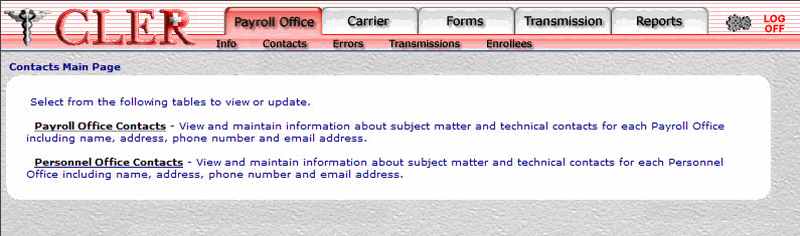
- Select on the Contacts Main page to display the Personnel Office Contacts page.
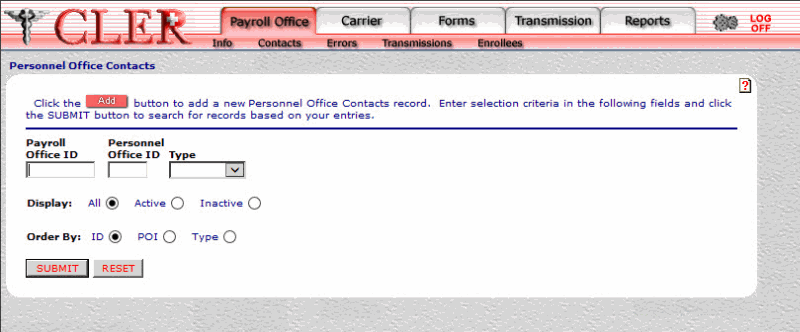
- Select the button on the Personnel Office Contacts page to display the Personnel Office Contacts Add page.
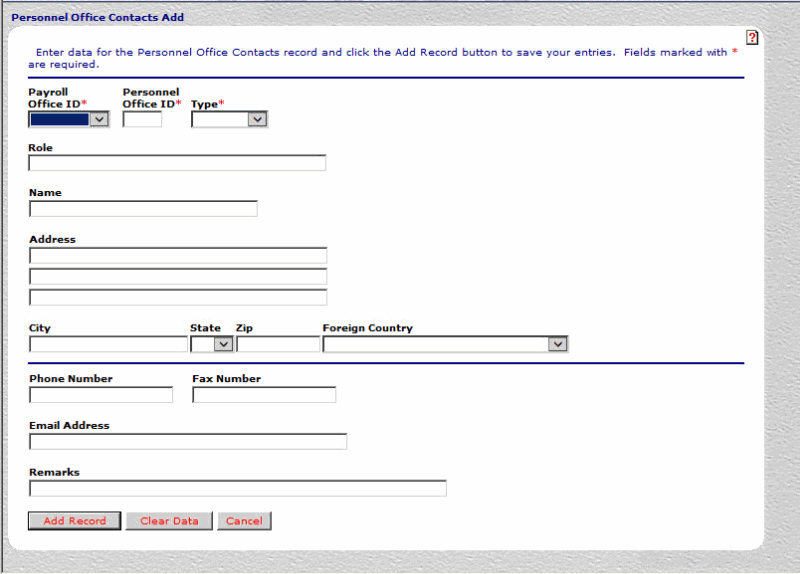
- Complete the following fields on the Personnel Office Contacts Add page:
- Select the button. If no errors occur, a popup appears to confirm the record has been added.
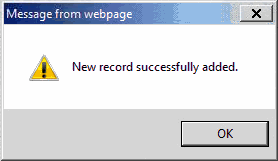
- Select the button to close the popup.
See Also |