|
|
|
|
|


Unvalidated Timesheets
The Unvalidated Timesheets report provides a list of timesheets that have not yet been validated.
To Run the Unvalidated Timesheets Report:
- Select the . link from the Reports section on the HR Administrator Menu page. The Reports menu is displayed.
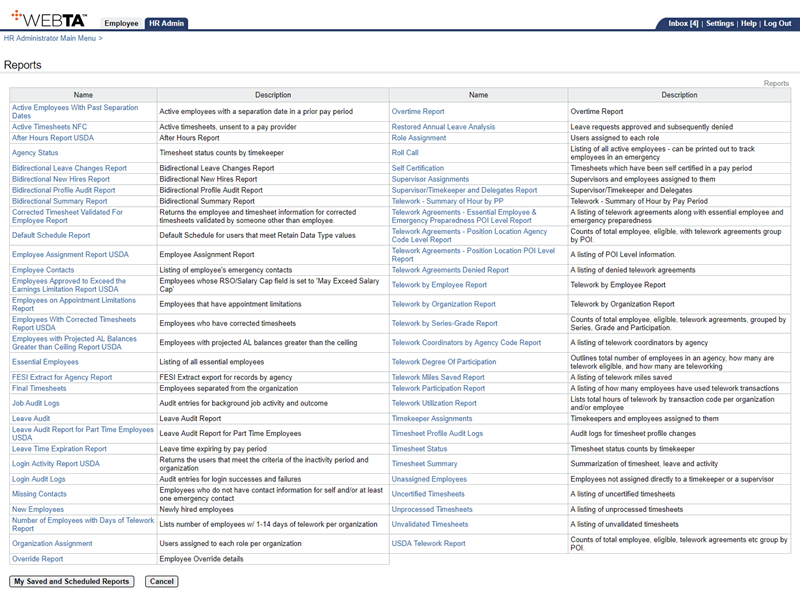
- Select the link. The Unvalidated Timesheets Report Parameters page is displayed.
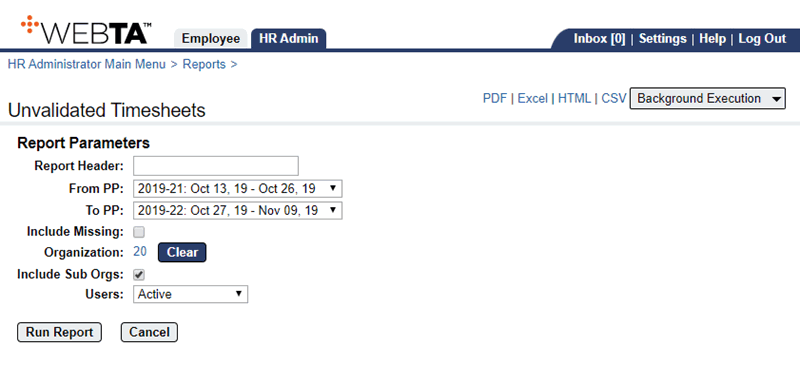
- Complete the following fields:
- Select the button to run and display the report.
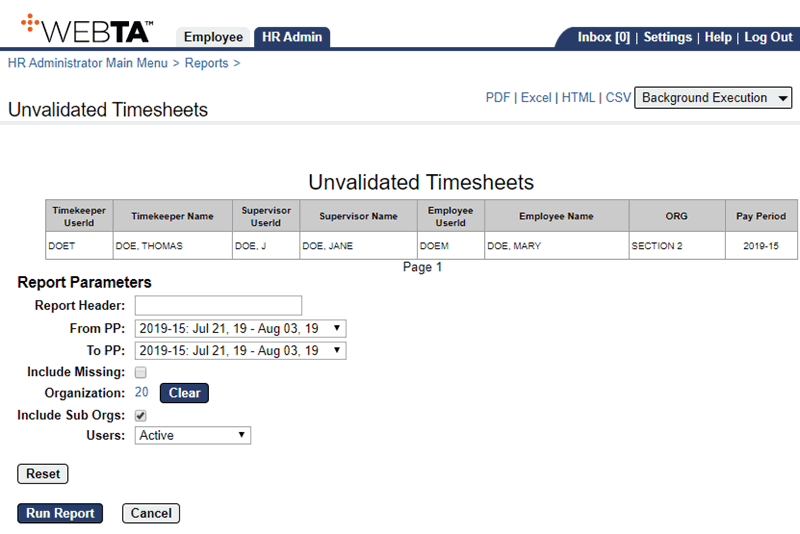
OR
Select the , , , or link to display the report output in the specified file type. A dialog box displays options to open or save the output file.
OR
Select the drop-down list and select an option. A message confirms that the report has been submitted. For more information, see My Saved and Scheduled Reports.
At this point, the following options are available:
Step
Description
Select the button
Returns you to the Reports page.
Select the tab
Returns you to the HR Administrator Menu page.
Select
Logs you out of webTA.
See Also |