|
|
|
|
|


Viewing an Online Entry Enrollee Record
The function allows users to view online entry enrollee records.
To View an Online Entry Enrollee Record:
- On the tab, select . The Transmission Online Entry page is displayed.
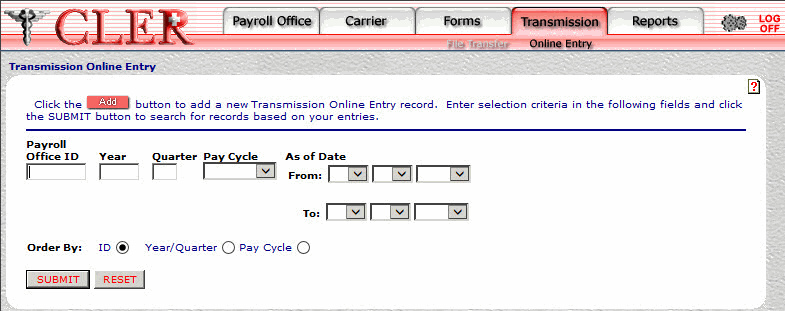
- Complete the following fields on the Transmission Online Entry page:
- Select the button. The Transmission Online Entries search results page is displayed.
OR
Select the button to clear the form.
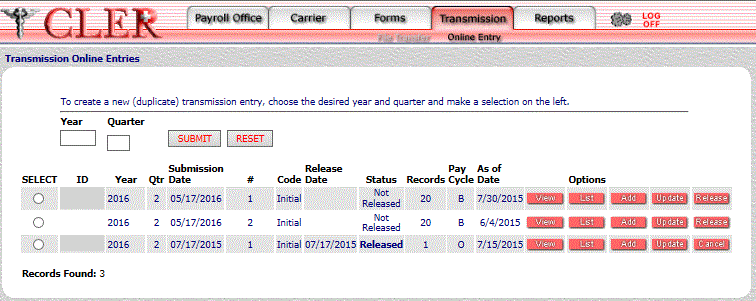
- Complete the following fields to select different search criteria:
- Select the button. The Online Entry Record list is displayed.
OR
Select the button to clear the fields.
The data on the Transmission Online Entries search results page is categorized into the following fields:
#
- Select the button next to the applicable record. The Transmission Online Entry Enrollees search results page is displayed.
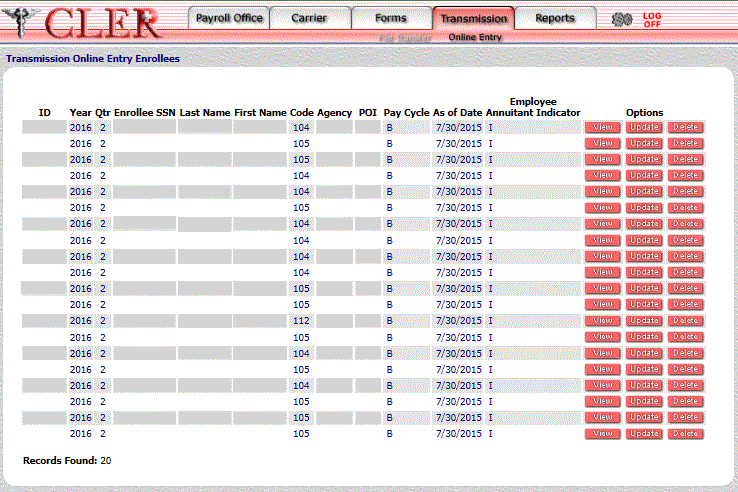
The data on the Transmission Online Entry Enrollees search results page is categorized into the following fields:
- Select the button next to the applicable record on the Transmission Online Entry Enrollees search results page. The Transmission Online Entry Enrollees View page is displayed.
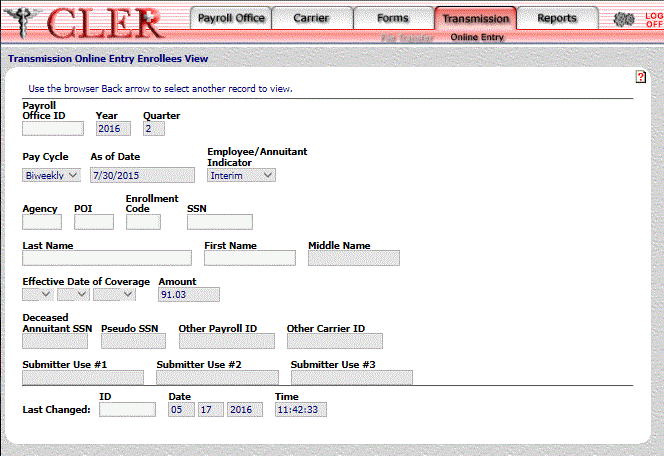
The data on the Transmission Online Entry Enrollees View page is categorized into the following fields:
See Also |