|
|
|
|
|


Sending Messages
Employees may send messages to their timekeeper or supervisor from within webTA.
To Send a Message:
- Select either the or from the Messages section on the Employee Main Menu page. The applicable Send Message page is displayed.
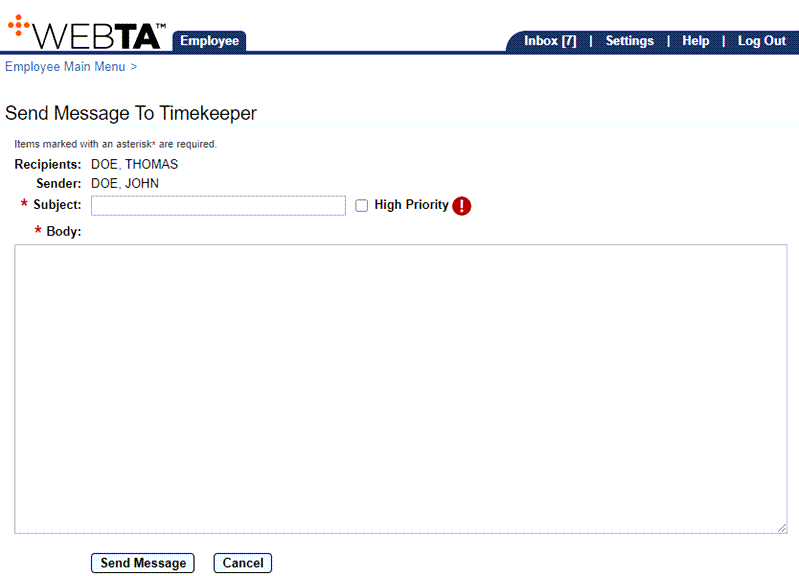
- Complete the following fields:
- Select the button. A confirmation message is displayed, and the message is routed to the appropriate webTA Inbox.
At this point, the following options are available:
Step
Description
Select the tab
Returns you to the Employee Main Menu page
Select
Logs you out of webTA