|
|
|
|
|


Licenses
The Licenses page is read-only and displays which webTA licenses the employee may use. The licenses approved for use will determine the employee's main menu options.
To View the Licenses Page:
- Select the link on the Employee Main Menu page. The Employee Profile page is displayed.
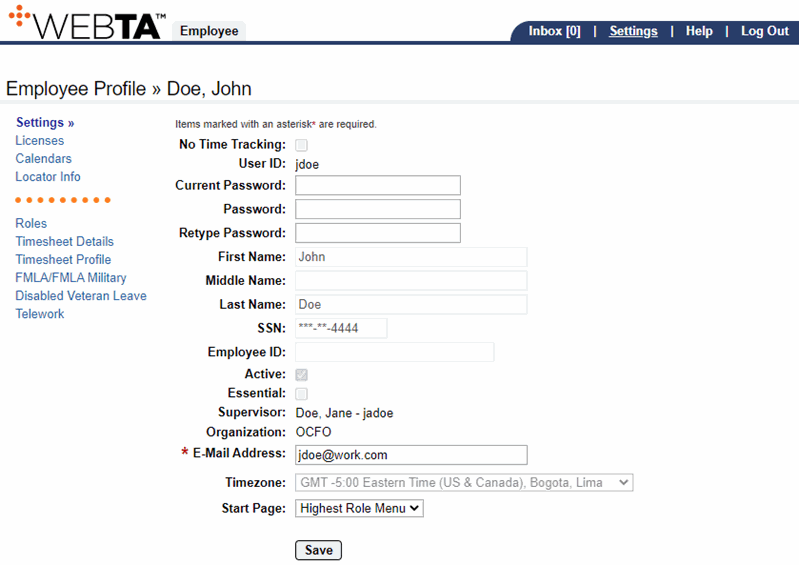
- Select the link from the sidebar menu. The Licenses page is displayed.
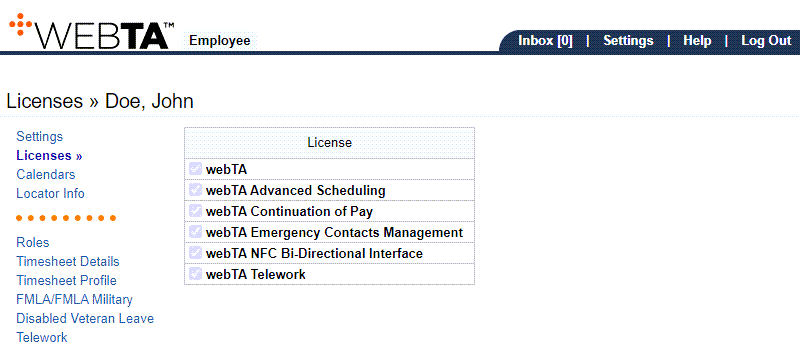
The following fields are displayed:
webTA Emergency Contacts Management
At this point, the following options are available:
Step |
Description |
|---|---|
Select the tab |
Returns you to the Employee Main Menu page |
Select |
Logs you out of webTA |
See Also |