|
|
|
|
|


Accounting
The Accounts page displays accounting codes available to you and your Timekeeper.
To Add an Accounts for Use with the Select Account Link:
- Select the . link from the Accounting section on the Employee Main Menu page. The Accounts page is displayed. The Timekeeper Accounts lists accounts added by the Timekeeper as a Timekeeper. My Accounts lists accounts added by the Employee.
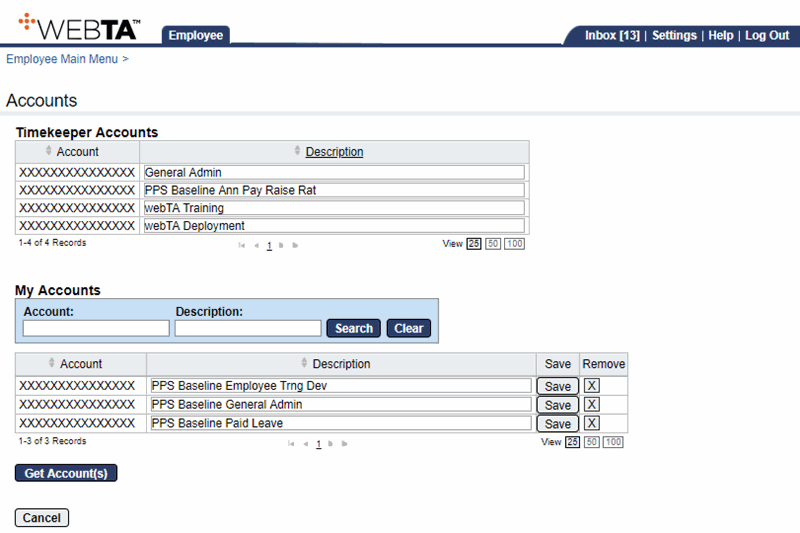
- Select the button. The Select Accounts page is displayed.
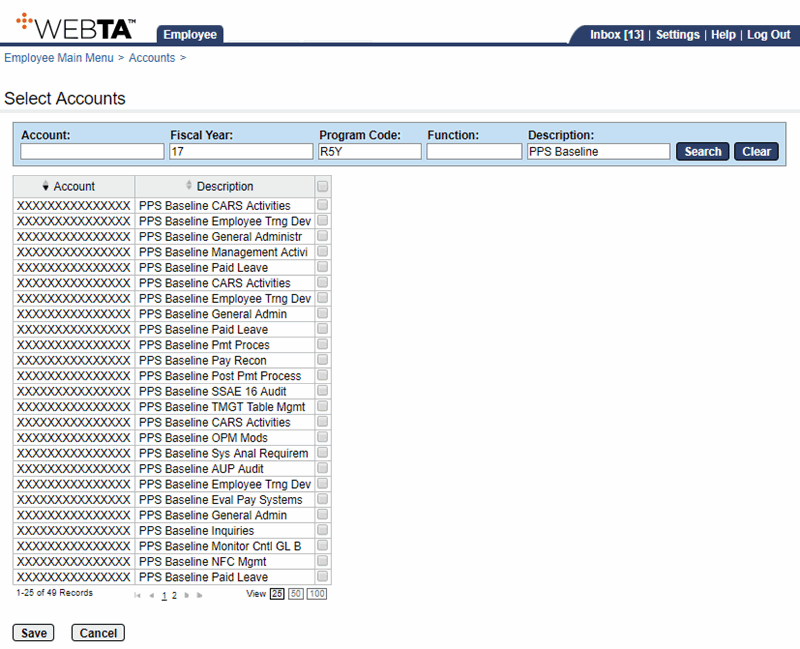
- Search for or select the applicable account.
- Select the button to save the accounting code and return to the Accounts page. The message, , is displayed.
At this point, you may select the button to return to the Employee Main Menu page.