Print Annual Leave Summary
The Print Annual Leave Summary option on the Options drop-down list allows users to view their compensatory leave summary from a selected pay period to the end of a selected year.
- To print an annual leave summary, from the Leave Calculator page, select the year to be included in the leave summary.
- Select the pay period for the leave summary to begin with.
- Select Print Annual Leave Summary from the Options drop-down list.
- Select Go. The Annual Leave Summary page is displayed for the selected year.
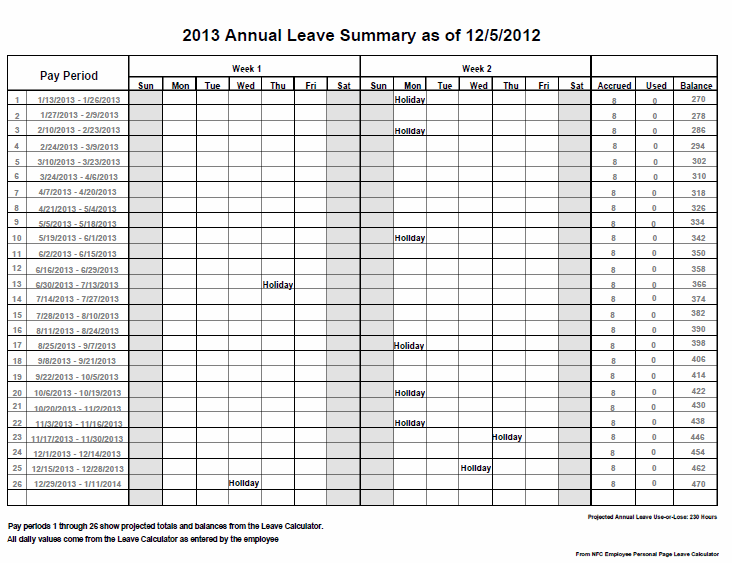
Figure 44: Annual Leave Summary Page