Logging In Using Login.gov
If the Agency accesses the application using Login.gov, follow the steps below.
- To log in to EPP, connect to the NFC Home page.
- Select the Applications tab. The Application Launchpad is displayed.
- Select the My EPP icon. The My EPP Warning page is displayed.
- Select the I Agree button. The Please Select Your Agency Selection Page is displayed.
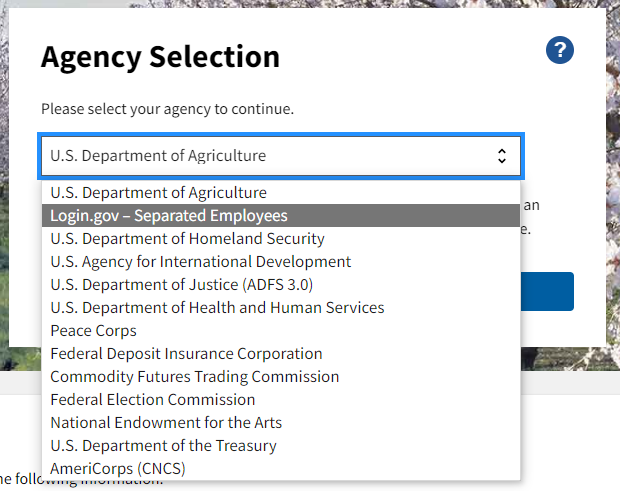
Figure 20: Agency Selection Page
- Select Login.gov - Separated Employees from the drop-down menu.
- Select the Continue button. The Customer Login.gov Page appears.
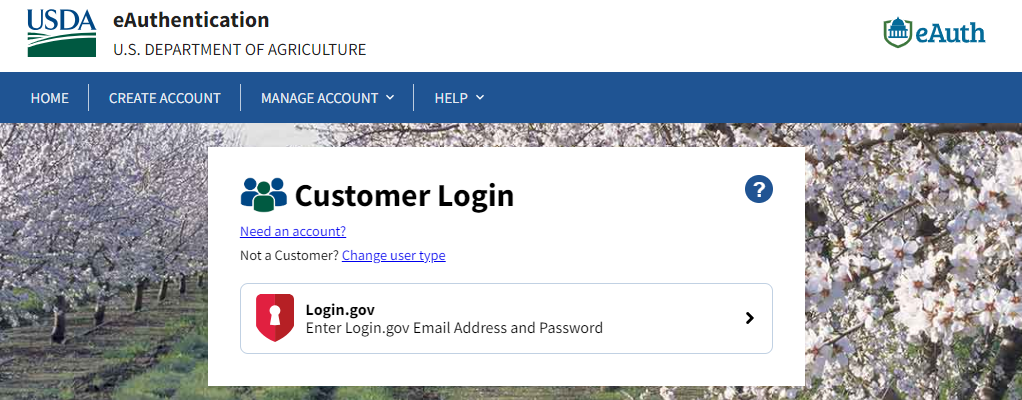
Figure 21: Customer Login.gov Page
- Select the Login.gov button to log in. The Windows Security Select a Certificate page is displayed.
- Select the appropriate option.
- Select the Continue button.
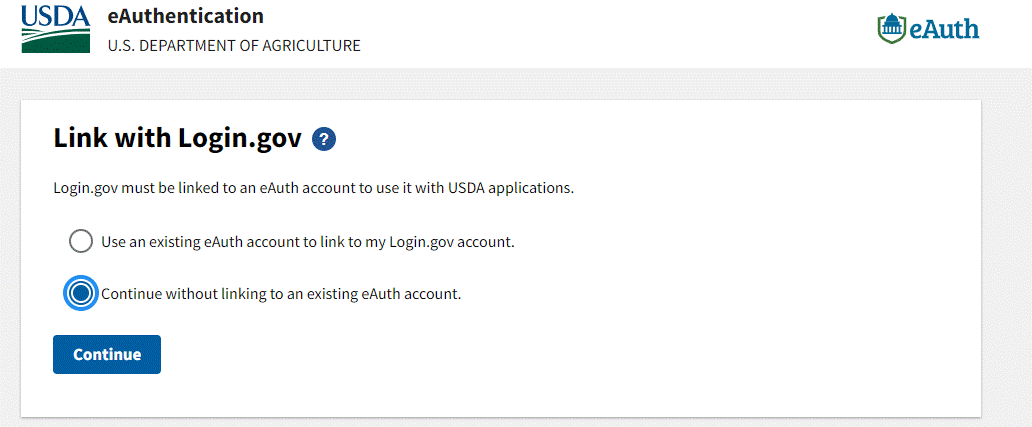
Figure 22: Link with Login.gov