Entering Leave Data
The Leave Calculator option allows users to plan and enter their leave on a selected pay period schedule.
- To enter leave data, select the Leave Calculator component. The Leave Calculator page is displayed.
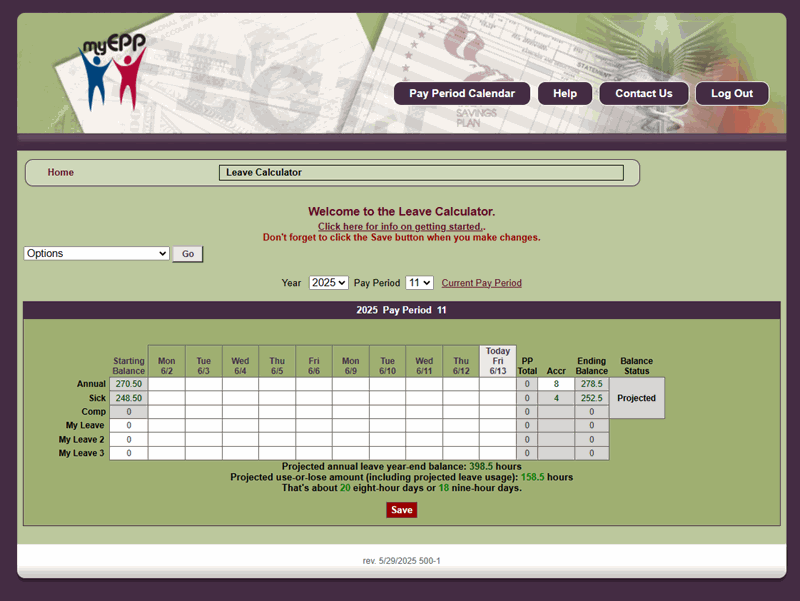
Figure 49: Leave Calculator Page
- Select the applicable year to view or enter leave data. The current year is displayed by default.
- Select the applicable pay period to view or enter leave data. The current pay period is displayed by default.
- Complete the fields as follows:
Starting Balance Field Instruction
Ending Balance Field Instruction
- Select Save to save the leave data entered.