Debt Management
The Debt Management option allows employees to view their current debt information. The Debt Summary Statement is only available to those employees with debt(s).
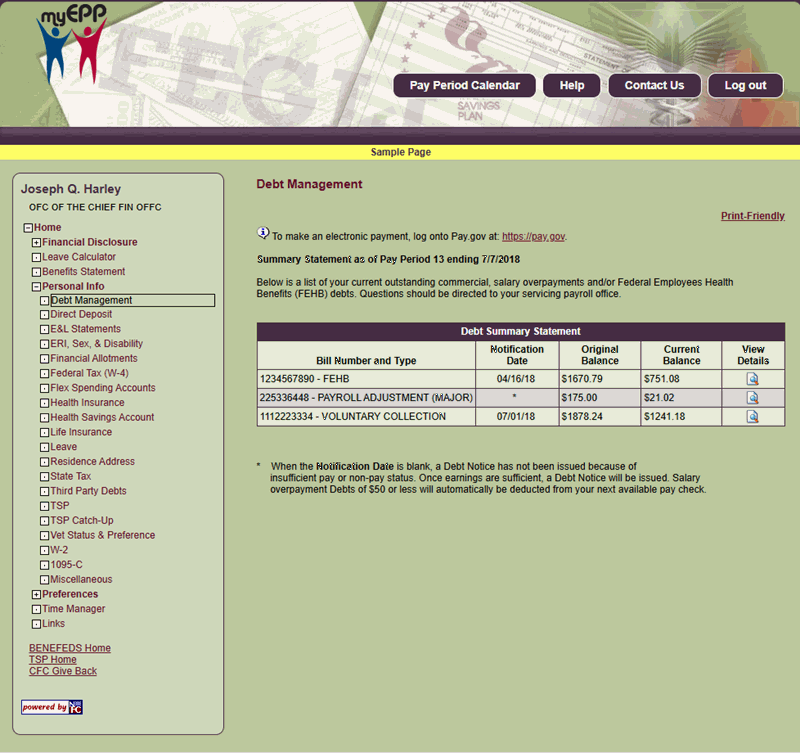
Figure 49: Debt Management Page
- To view the summary statement, select the Debt Management link located beneath the Personal Info menu on the EPP home page. The Debt Summary Statement will be displayed with a list of debts.
- Select the View Details icon for the applicable bill number and type to view the specific details. The Debt Details page will be displayed with additional information about the debt. This is a view - only page.
Note: For more information on debts, see the Administrative Billings and Collection System (ABCO) procedure.